
How to Search Cases by Name
New Mexico Case Lookup is the free starting point for electronic case information. It includes Mora County district and magistrate matters with no registration. Type the fullest party name you have. Then compare the court, case category, filing date, and case number before trusting a match. Common names demand extra care here, since one search can return many similar parties. Keep one limit in mind. The public portal offers case information and summary data, not document images. A matching result is not the same thing as the complete court file.
- Identify the likely Mora County court from the case type before starting a name search.
- Open New Mexico Case Lookup and enter the known party name when the normal public interface is available.
- Use a court, location, category, or date filter if the live interface presents it, then compare every returned case to the facts already known.
- Open the matching summary to review the case number and public case information, then contact the proper clerk if the result needs verification or a document copy.
The public form sits behind a captcha or anti-bot support-ID screen, so the live control labels and required fields cannot be confirmed. Treat the table as a record of official guidance. Where the live screen's behavior is unknown, the table says so rather than guessing.
| Field or Control | Type | Required | Verified Official Detail |
|---|---|---|---|
| Case number | Text | Unspecified | The strongest search key; New Mexico case numbers combine court or district, category, year, and sequence components. |
| Party name | Text | Unspecified | Official guidance allows party-name searching; use the exact full name where possible. |
| Court or location | Dropdown or filter | Unspecified | A Mora case may be narrowed to district or magistrate location if the live interface offers it. |
| Case type or category | Dropdown or filter | Unspecified | Guidance distinguishes civil, criminal, family, probate, appellate, magistrate, municipal, and other court categories. |
| Filing date or year | Date or year filter | Unspecified | A historical request route exists for records before 1997. |
| Search or submit | Button | Final action | Live button wording was not verified. |
| Clear or reset | Button | Optional | Live button wording was not verified. |
Mora County Case Lookup First Stop
Case Lookup is a free statewide channel rather than a stand-alone Mora County database. Electronic information flows in from district, magistrate, municipal, metropolitan, appellate, and other listed courts. That reach helps when you are not sure which court holds the case. The limits are just as clear. Public Case Lookup does not expose filed documents. A missing result can reflect a restricted category, a search mismatch, an older record, or a file that was never digitized. The official New Mexico Case Lookup entry is the public portal. It is assigned to a Mora County case search.
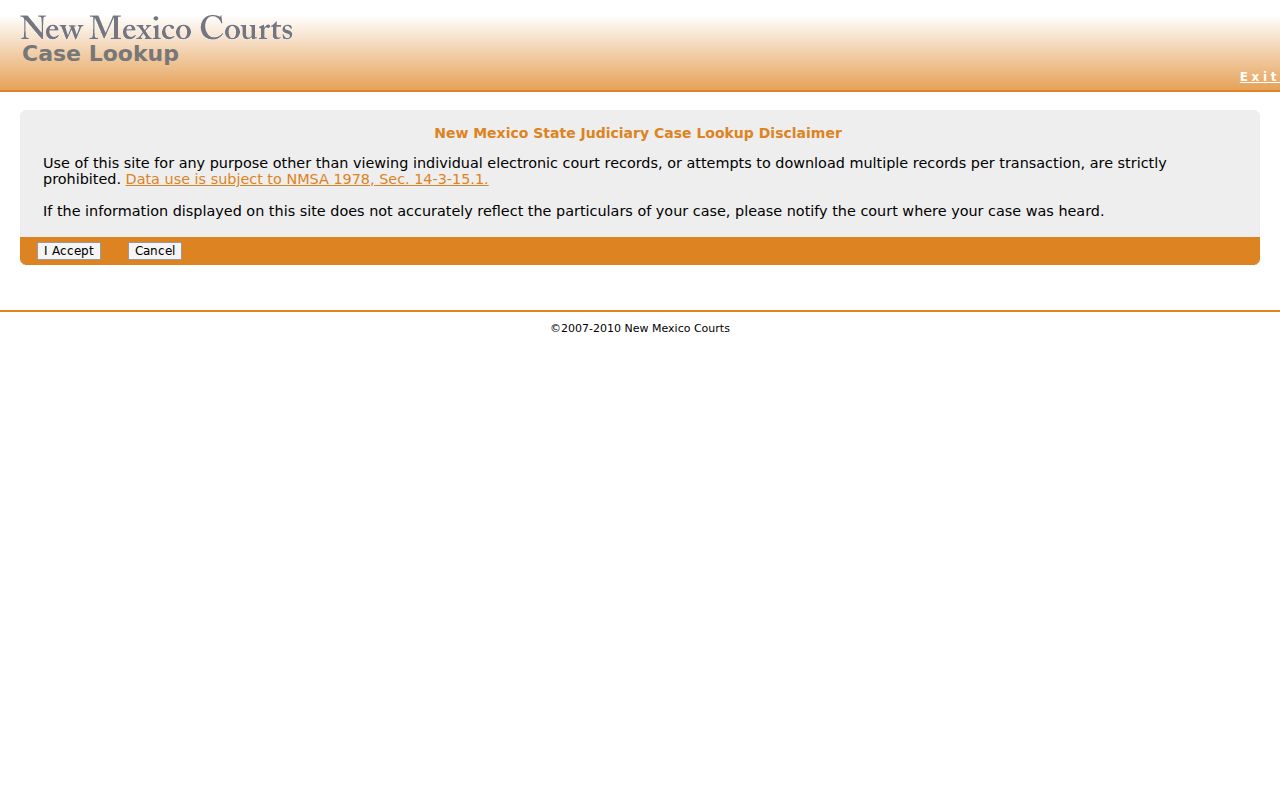
The public entry point belongs early in any search sequence. Because it is summary-only, the originating court still matters for certified or complete records.
How to Search by Case Number
A case number is usually the best identifier once you have it. New Mexico's official self-represented litigant guidance shows a district civil format such as D-202-CV-2002-[sequence]. That example carries a court or district component, a category such as CV, a year, and a sequence. It is an official illustration, not a verified Mora-specific code list. Check the actual Mora location prefix and category options in the live system. You can also check with the court itself. For registered re:Search®NM searches, the user guide says dashes, capitalization, and leading zeros are optional. That rule belongs to re:Search®NM, not to the public Case Lookup form. Enter the exact number first. Compare the returned location and case description before treating a result as the Mora County case you want. Note: no official Mora-only docket-code list exists in public materials. Do not invent abbreviations when searching a case.
Mora County Case Search Operators
Registered re:Search®NM offers a search vocabulary beyond a plain name or case number. The official guide permits quotation marks for an exact phrase, plus AND, OR, and NOT for Boolean combinations. An asterisk at the end of a term works as a wildcard. Proximity syntax is available too. These options belong to the registered re:Search®NM experience. Do not assume they work in the public Case Lookup form.
- Exact phrase
- Quotation marks search a phrase as written in the re:Search®NM guidance.
- Wildcard
- An asterisk placed at the end of a term expands a term in the registered search system.
- Boolean search
- AND, OR, and NOT combine or exclude terms when the registered system accepts those operators.
Use these tools only to locate a known Mora County court matter. Then verify the result against its case number and court location.
Mora County Case Search Fields
re:Search®NM is a registered, role-based Odyssey access system for eligible users. Qualifying self-represented litigants, attorneys, press users, staff, and justice partners can all register. Quick Search accepts a case number, party, attorney, judge, location, or another associated keyword. Basic Search offers Cases, Text in Docs, Hearings, and Filings. The fuller field inventory comes from the official user guide rather than the public Case Lookup screen.
| Field or Control | Type | Required | Options or Format Notes |
|---|---|---|---|
| Quick Search | Text | Unspecified | Case number, party, attorney, judge, location, or another associated keyword. |
| Search By | Buttons or tabs | One choice | Cases, Text in Docs, Hearings, or Filings. |
| Keyword Search | Text | Unspecified | Dashes, capitalization, and leading zeros are unnecessary; exact, Boolean, wildcard, and proximity searches are supported. |
| Case category | Filter or dropdown | Optional | Appellate, Criminal, Civil, Family, Probate, or MentalHealth. |
| Case type | Filter or dropdown | Optional | List depends on the selected location and category. |
| Location | Filter or dropdown | Optional | Filters by court location, including district or magistrate location. |
| Case status | Filter or dropdown | Optional | All or default, Open, Closed; details may show Unknown. |
| Case filed date | Date filter | Optional | On or after and on or before; the guide uses slash-formatted dates. |
| Case number | Search criterion | Optional | Official example: D-202-CV-2002-[sequence]. |
| Party name | Text | Optional | First and last name search; party tools include first or last name. |
| DOB | Search criterion | Restricted | Listed in the guide; access is role governed and should be used carefully. |
| Driver's license | Search criterion | Restricted | Listed as a party-search capability, not as a driver-record lookup. |
| Attorney name | Text | Optional | First and last name are required in the guide; middle name is optional. |
| Attorney number | Text | Optional | CAID number, not a bar number. |
| Judge name | Text or filter | Optional | Searches cases, filings, or hearings assigned to a judicial officer. |
| Filing code or date | Filter | Optional | Filings can use category, filing date, case type, filing code, filing-code date, and location. |
| Hearing date or type | Filter | Optional | Hearings can use date, type, case, attorney, judge, location, party, and status. |
| Sort | Dropdown | Optional | Filed Date, Filed Date Reverse, or Status; hearing results have additional sort choices. |
| Filter or Clear | Buttons | Action | Filter applies selected criteria; Clear removes a filter category. |
Need to know what a docket entry really shows? The official re:Search®NM user guide walks through case details, filings, document access, and hearing results for Mora County court records. One caution: registering does not lift sealing, confidentiality, or role limits.
What a Case Search Shows
A returned case can show plenty. Expect the case title or description, number, location, type, parties, attorneys, judicial officer, filed date, charges, and a warrant flag. Those data appear where they exist. Case Details adds related cases, hearings, events, financial information, filing search, and filing sections. A case description may fall back to the case number. The public portal's summary will not necessarily show the depth a registered account provides.
| Case title or description | The case name or description. re:Search®NM may use the case number where a description is unavailable. |
|---|---|
| Case number and location | The court-assigned identifier and court location used to distinguish a Mora County matter from another result. |
| Case type and status | The category or more specific type, plus Open, Closed, or Unknown status when the system provides it. |
| Parties and attorneys | People or entities associated with the case and connected attorneys, subject to the display and access rules. |
| Hearings and events | Hearing date and time, type, judge, location, and result or cancel reason when available, plus docketed activity. |
| Filings | Filing-search and filing sections may show recorded filing information, subject to the user's access rights. |
| Charges and financial information | Available charge, warrant-flag, assessment, transaction, payment, or balance fields. A displayed flag is not a substitute for court confirmation. |
A result identifies case information and nothing more. It does not establish that a listed event occurred, nor that every part of the court file is public.
Mora County Case Status Terms
Case status is helpful context, not a full account of the court's action. The New Mexico system can display Open, Closed, or Unknown. An Odyssey status appears in parentheses. A closed result does not reveal every event behind the closure. An unknown result simply means the display lacks a status. It does not mean the case is unimportant or invalid.
- Open
- The system indicates that the case remains open.
- Closed
- The system indicates that the case is closed.
- Unknown
- The status is unavailable in the displayed case information.
When a Mora County case status needs a current or authoritative explanation, the clerk can confirm which channel carries the official court record.
Mora County Court Location Search
Start any Mora County case search with court assignment. Which court has it? The Fourth Judicial District handles Mora district-court work. That covers felonies, major civil cases, domestic relations, juvenile matters, mental-health cases, and appeals from the lower courts. Mora Magistrate Court takes the smaller civil matters. It also handles misdemeanors, DWI or DUI, traffic cases, and felony preliminary hearings. One criminal case can pass through more than one of these venues. A docket search may need both.
| Court Channel | Mora County Matters | Useful Search Route |
|---|---|---|
| Fourth Judicial District | Felony, major civil, family, juvenile, mental-health, and lower-court appeal matters. | New Mexico Case Lookup, eligible re:Search®NM access, the district hearing schedule, or the district clerk. |
| Mora Magistrate Court | Limited civil, misdemeanor, DWI or DUI, traffic, and preliminary-hearing matters. | New Mexico Case Lookup, eligible re:Search®NM access, the magistrate hearing schedule, or the magistrate clerk. |
| Mora Probate Court | Informal probate and uncontested estate matters. | Confirm the probate court contact when case information is not found through the expected court channel. |
The county government clerk sits apart from these state-court offices. A county title alone does not make that office the keeper of a district or magistrate case file.
County vs Statewide Case Search
Mora County offers no verified public portal limited to county cases. That is the first thing to know. New Mexico Case Lookup is the statewide public route. The Mora district and magistrate calendars give near-term schedule views, and their clerks hold the authoritative files. Begin a name or number search statewide. Turn to the local clerk when you need a specific court date, an incomplete result, a copy of a record, or confirmation of a case.
| New Mexico Case Lookup | Mora District and Magistrate Channels |
|---|---|
| Statewide public electronic case-information route. | Separate county-specific hearing schedules and clerk verification routes. |
| Useful when the court is uncertain or a search needs statewide coverage. | Useful for a near-term Mora County setting, inspection question, or authoritative-file follow-up. |
| Shows public case information or summary, not public document images. | Schedules cover the current day plus six future days and warn of possible omissions. |
| No registration for the public route. | Clerk assistance, public inspection, and role-based re:Search®NM are separate access paths. |
A schedule link cannot replace the statewide case-information search. A statewide summary cannot replace the clerk's file, either. So pick the route by what you actually need: a case number, a hearing date, or a record the public summary cannot supply.
Mora County Filing Descriptions
A filing description is the title a filer types in for a document or event. The state e-filing guidance notes it can show up in Odyssey, re:Search®NM, and Online Case Lookup. A filing code works differently. It is the structured code chosen in Odyssey File & Serve to label the filing. Neither one summarizes the document. Neither promises the public can view what was filed.
Odyssey File & Serve filing → filing code and description → case event or search result is the documented system path. The Fourth Judicial District eFile page identifies the official filing system for court submissions. It is not a free public document archive.
Mora County Case Results Exclude Documents
A public lookup result can name the case. The filed documents stay out of reach. New Mexico's access policy splits public Case Lookup from registered re:Search®NM access. Qualified users may get wider electronic access. That depends on role, relationship to the case, and access tier. Even they cannot open sealed or confidential documents. Bulk record downloads are prohibited as well. The official public-access explanation lays out the public, registered, and restricted paths.
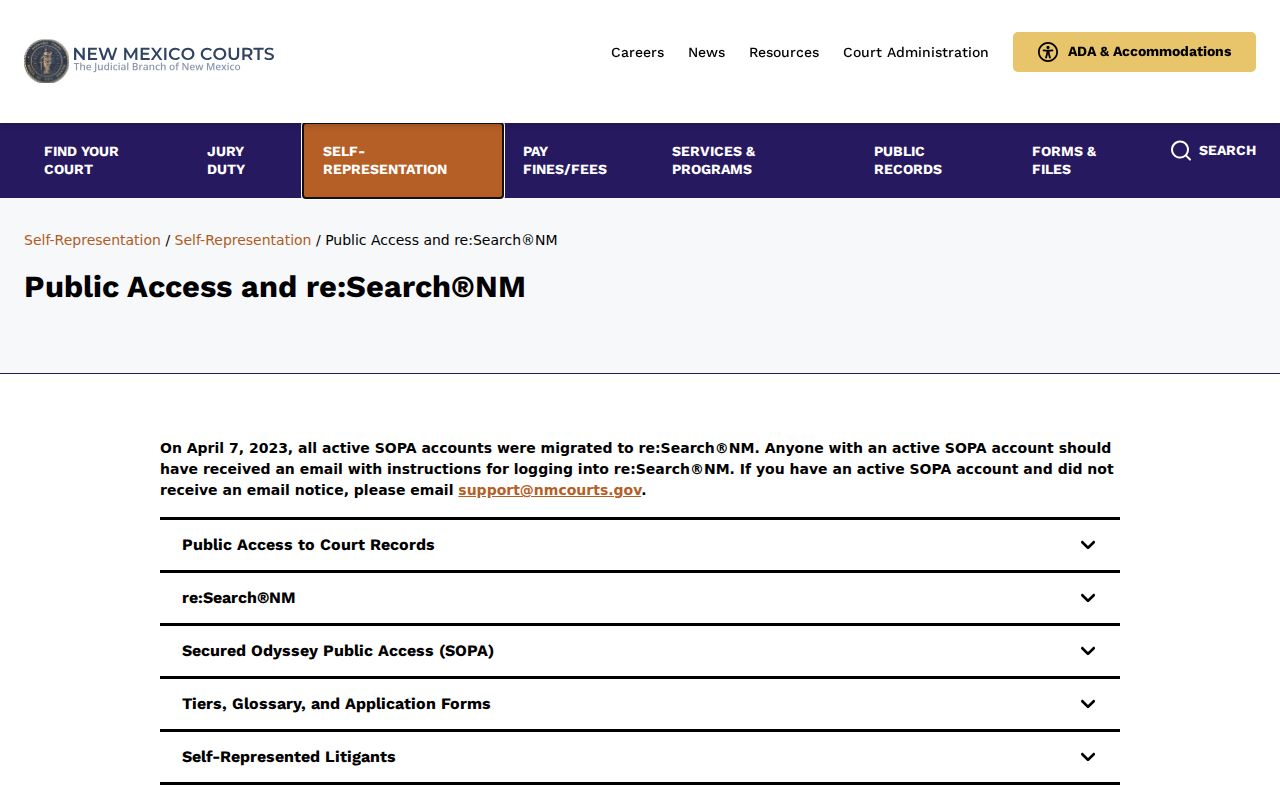
Those access tiers explain why a case summary, a registered case view, and the clerk's inspectable file can each show different information.
Restricted Cases and Access Rules
Public Case Lookup leaves out document images. It also hides protected personal data such as Social Security numbers and addresses. Some case types vanish by rule. Juvenile criminal cases after July 1, 2007, are not displayed. Family Violence Protection Act order-of-protection cases after July 1, 2008, are not displayed either. Municipal information narrows to historic criminal domestic-violence and DWI convictions beginning September 1, 1991. Remember that a missing result does not prove no case exists. In re:Search®NM, Tier 1 covers the broad ordinary-record category for approved users. Tier 2.1 addresses Children's Court delinquency matters. Tier 2.5 spans abuse and neglect, Families in Need of Court-Ordered Services, adoption, and mental-health cases. Official public guidance says only law-enforcement officers may view Tier 2.5 cases. Sealing is a court-order process under Rule 1-079 NMRA. It is never a setting a web visitor can change.
Older Mora County Case Files
For an old, absent, incomplete, or document-level Mora County case, call the court that keeps the file. The district clerk's official line is 505-425-7281. Mora Magistrate Court is 575-387-2937. You may inspect public records in person at the courthouse where the case sits. Mora Magistrate's posted contact channel also lists P.O. Box 131 and fax 575-387-9081, though the court does not present that fax as a general records-request route. New Mexico's Inspection of Public Records Act backs up a written request. The New Mexico Courts IPRA form asks the requester to pick the judicial district where the case is located. The Administrative Office of the Courts is not the file custodian. Name the court, the case number, the document or event. Say whether you want inspection or a copy. Add your own name, address, and telephone number. No reason for the request is required. The statute generally calls for inspection immediately or as soon as practicable. It must come no later than fifteen days after receipt. If inspection is not permitted within three business days, the custodian must explain in writing. The explanation covers when the records will be available or when a response will come. One limit stands: a request cannot force the court to create a new record.